

Blog
The Complete Guide to Automating Your WordPress Blog with AI for Beginners (2026 Edition)
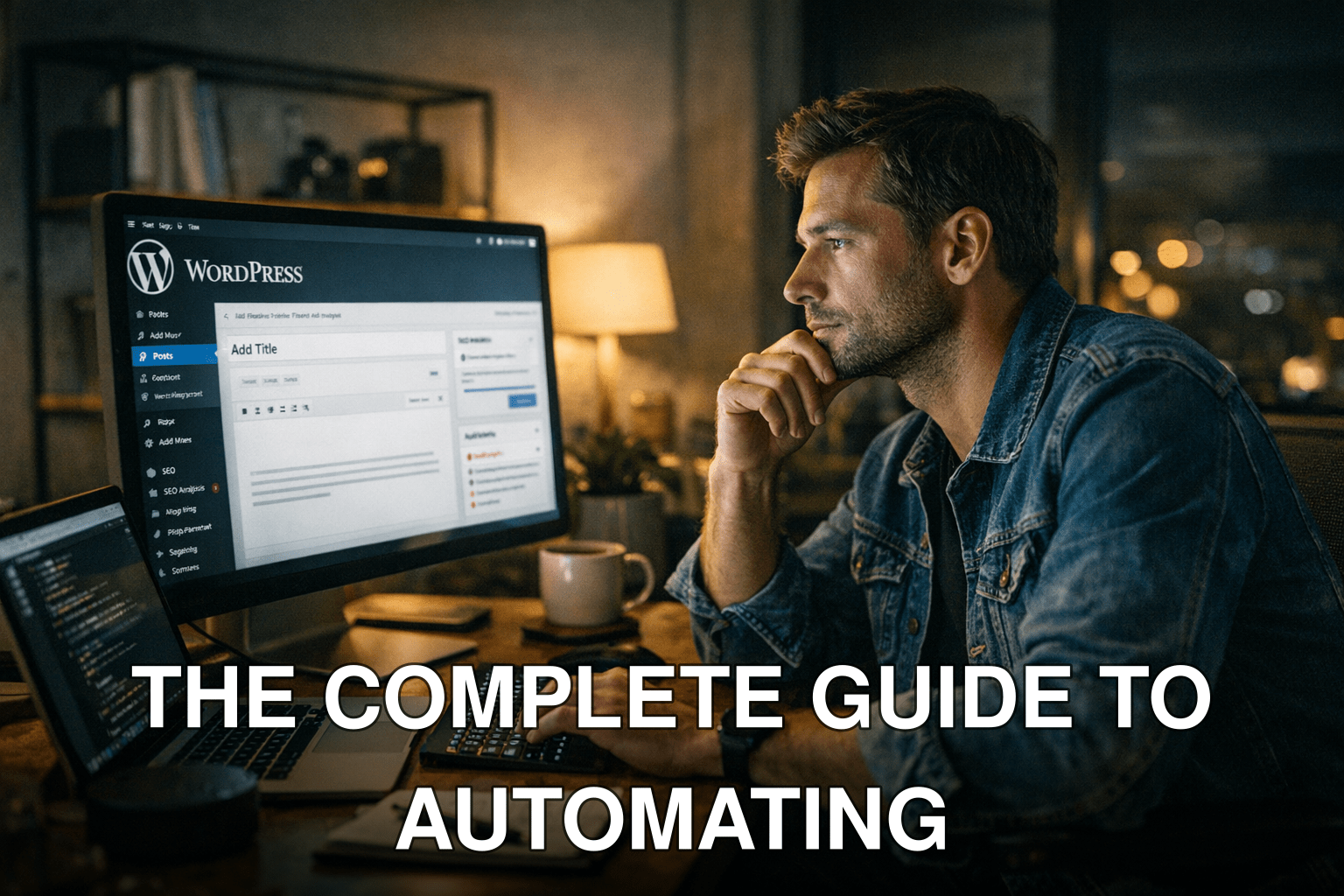
It’s 9 PM, and you’re staring at your WordPress dashboard, wondering how on earth you’ll keep up with the relentless demand for fresh content, SEO optimization, and social media promotion. You might think automation is reserved for tech experts or major publishing companies—but here’s the twist: AI has made automation accessible to everyone, even beginners.
The problem? Many new bloggers waste countless hours manually creating content or fiddling with plugins that don’t deliver. Worse yet, they burn out before their blogs reach their true potential. Automation can change all that.
In this guide, you’ll discover:
- How AI can save you hundreds of hours by automating repetitive blogging tasks.
- A step-by-step walkthrough to set up simple AI tools on your WordPress blog.
- Critical pitfalls to avoid when using AI-powered solutions in 2026.
If you’ve ever wondered how successful bloggers seem to do “everything” without collapsing under the workload—this is their secret.
Quick Navigation
1. Why Automate Your WordPress Blog in 2026?
2. Step 1: Choosing the Right AI-Powered Tools
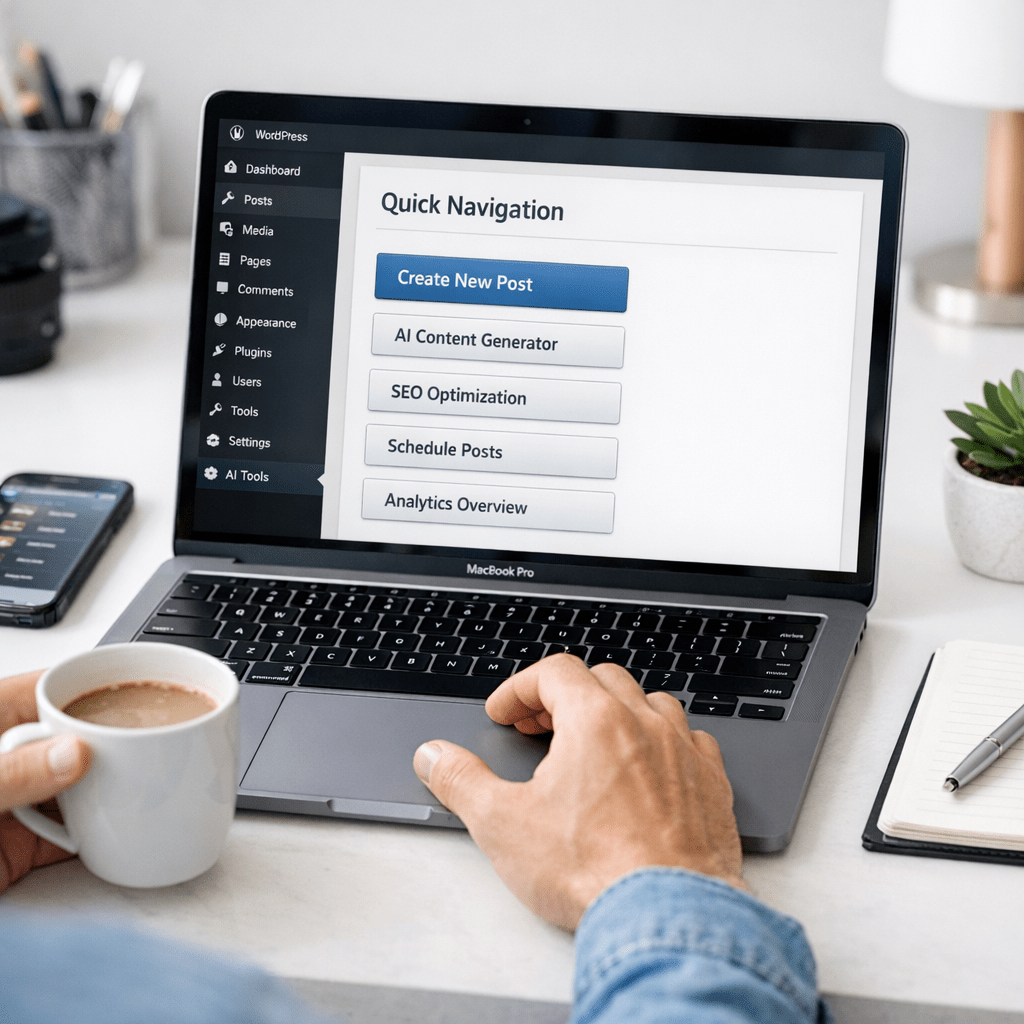
3. Step 2: Automating Content Creation Without Losing Quality
4. Step 3: Streamlining SEO Optimization
5. Step 4: Scheduling and Social Media Management
6. Real-Life Case Study: Before vs. After Automation
7. Common Myths About Blogging Automation
Also worth reading: 10 herramientas de inteligencia artificial
Why Automate Your WordPress Blog in 2026?
Let’s start with a harsh truth: Blogging without automation today is like trying to win a race on foot while everyone else drives cars. The digital landscape has changed dramatically over the last few years:
1. Content volume is exploding: Over 7 million blog posts are published daily (Source: Internet Live Stats). Standing out requires consistent output without sacrificing quality.
2. Search algorithms are smarter: Google now heavily rewards fresh content with optimized metadata and user engagement metrics.
3. Competition is fierce: Niche sites are scaling faster than ever by leveraging AI tools like Jasper.ai and Grammarly.
Here’s what it costs if you don’t automate: hours sunk into manual tasks that could have been spent growing your audience or scaling monetization strategies.
Step 1: Choosing the Right AI-Powered Tools
If you’re new to automation, the sheer number of options available in 2026 can feel overwhelming—but not all tools are created equal.
Here’s a breakdown of popular tools tailored for different aspects of blogging:
| Feature/Tool | 🏆 Jasper.AI | Copy.ai | SurferSEO | Zapier |
|—————————-|————-|——————|——————-|——————-|
| Content Generation | ✅ | ✅ | ❌ | ❌ |
| SEO Optimization | ✅ | ⚠️ Limited | 🏆✅ | ❌ |
| Workflow Automation | ❌ | ❌ | ⚠️ Limited | 🏆✅ |
| Best for: | Full Content Creation & Editing | Quick Ideas & Outlines | Advanced SEO Automation Between Tools |
Key takeaway: If you’re looking for an all-in-one solution for generating articles and optimizing them for search engines, start with Jasper.ai paired with SurferSEO—it’s an unbeatable combo in terms of quality and ease of use.
You might be thinking, Why not just pick one tool instead of combining multiple? Here’s the deal—no single tool does everything perfectly yet in 2026, but pairing specialized solutions gives you far better results without breaking your budget.
Related guide: Cómo automatizar la generación de contenido
Step 2: Automating Content Creation Without Losing Quality
When I first tested AI writing assistants back in early 2020, they were clunky at best—producing repetitive outputs that felt robotic and uninspired. Fast forward to now, and platforms like Jasper have evolved into sophisticated co-writers capable of mimicking human tone and style seamlessly.
Here’s how to get started:
1. Choose a Template: Most platforms offer templates for blog posts, product reviews (if applicable), FAQs, etc.
2. Input Clear Prompts: Be specific about what you want—e.g., “Write a beginner’s guide about starting a food blog.”
3. Edit Thoughtfully: Don’t make the mistake of trusting AI blindly; always edit its output to align with your brand voice.
Common Missteps When Using AI:
Myth: “AI will replace me.”
Reality: Think of it as augmenting your creativity—not replacing it entirely! Use AI as your assistant rather than outsourcing everything blindly.
Key takeaway: Resist over-reliance on automation; always inject personal expertise into every piece for authenticity and audience connection.

Step 3: Streamlining SEO Optimization
Great content doesn’t matter if nobody sees it—and that’s where SEO comes into play.
In my tests this year using SurferSEO alongside Rank Math Pro (a powerful WordPress plugin), I found most new bloggers fail because they overlook key optimizations such as schema markup or internal linking structures—which these tools can easily handle automatically!
Action Plan:
1.) Install RankMath Pro Plugin -> Activate Schema Assistant Module