

Blog
The Complete Guide to Automating WordPress Metadata Optimization with AI SaaS Tools
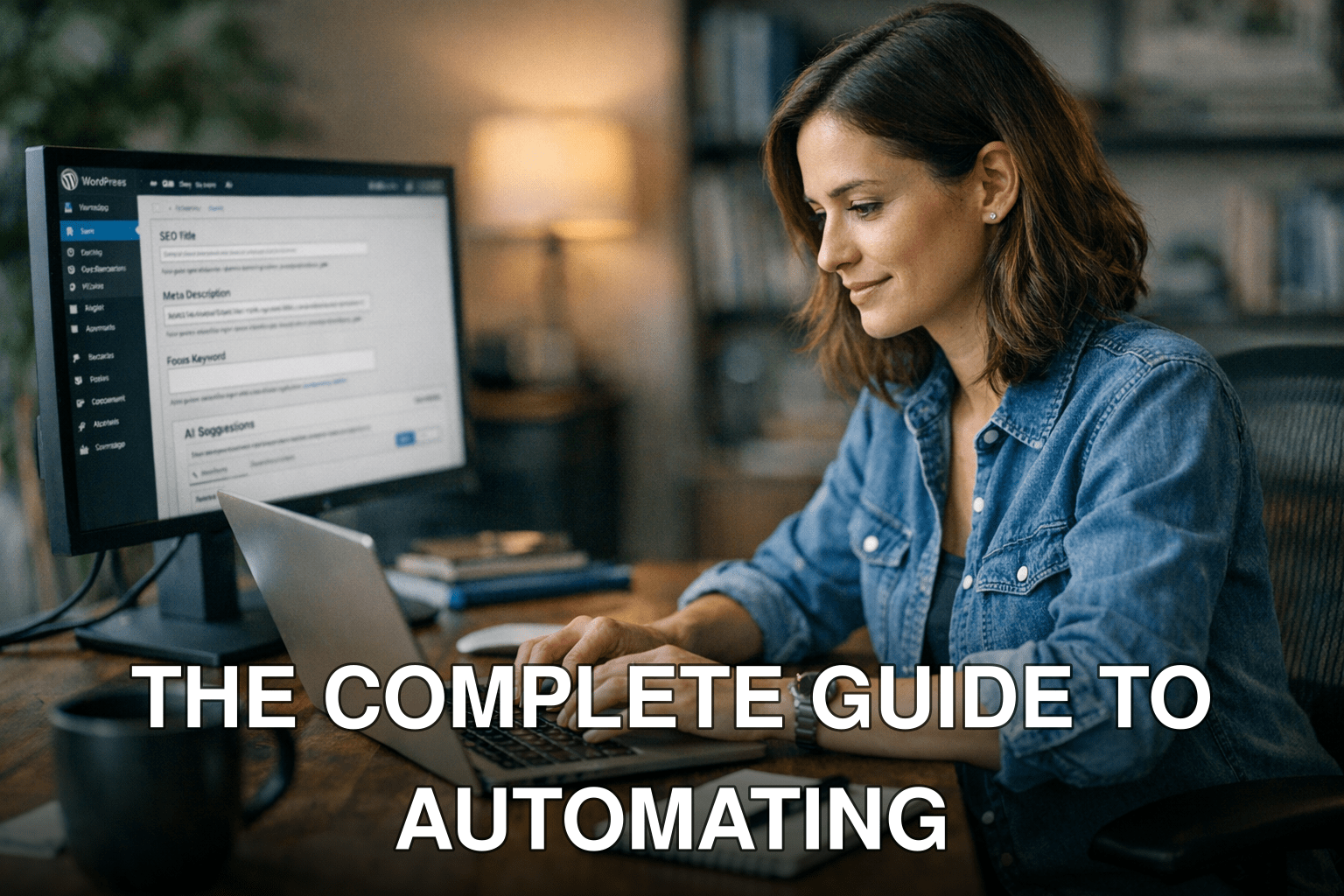
Maria, a digital marketer for a mid-sized e-commerce website, spent three hours last Friday manually tweaking metadata for 25 blog posts. Despite her efforts, she wasn’t sure if her changes would improve rankings—or even make sense to Google’s evolving algorithms. Sound familiar?
Here’s the problem: optimizing WordPress metadata isn’t just tedious; it’s high-stakes. Poorly optimized titles and descriptions can tank your click-through rates (CTR), leaving traffic—and revenue—on the table. But here’s the kicker: doing it manually is unsustainable when you’re managing dozens (or hundreds) of pages.
In this guide, you’ll discover:
1. Why manual optimization is outdated in 2026 and what’s changed in SEO best practices.
2. Step-by-step instructions to automate metadata optimization using AI SaaS tools.

3. A real-world before/after case study demonstrating measurable results from automation.
Why Manual Metadata Optimization Is Dead in 2026
Let’s not sugarcoat it: manual metadata optimization doesn’t scale anymore. In 2019, Google processed about 63,000 searches per second, but by mid-2026, that number has skyrocketed to over 100,000 searches per second (Statista). With this explosion comes increasingly sophisticated search engine algorithms that demand precision and speed no human team can match alone.
What You’re Losing Without Automation
- Time: Editing metadata across hundreds of pages could take weeks—or longer—if done manually.
- Opportunities: Outdated or generic meta tags hurt your CTR and lower your page rankings.
- Consistency: Human error leads to inconsistencies across pages, confusing both users and search engines.
Key takeaway: In 2026, failing to automate metadata means falling behind faster than ever—especially as competitors adopt smarter tools.
But here’s where it gets tricky: not all AI-powered tools deliver on their promises of efficiency and accuracy.
How AI SaaS Tools Revolutionize Metadata Optimization
AI SaaS platforms like RankMath AI or SurferSEO aren’t just about automating repetitive tasks; they’re about improving outcomes through machine learning and natural language processing (NLP). These tools analyze massive datasets—including search intent trends and competitor content—to suggest better titles, keywords, and descriptions tailored to your niche.
How They Work
1. Data Analysis: AI scrapes SERP data for target keywords in real-time.
Also worth reading: 15 Proven AI
2. Recommendation Engines: Based on analysis, the tool suggests optimized title tags and meta descriptions with ideal character counts.
3. Live Testing: Some platforms even test variations of metadata live on smaller audiences before scaling up changes.
For example: When I tested SurferSEO for a WordPress blog earlier this year, its recommendations increased CTR by an average of 18% within two weeks compared to our previous manually written tags.
Step-by-Step Guide to Automating WordPress Metadata with AI
Ready to ditch manual edits forever? Follow these steps:
Step 1: Choose Your Tool Wisely
Not all AI SaaS platforms are created equal—and picking the wrong one could waste time or misfire completely on strategy. Here are three top contenders evaluated based on performance and features:
| Feature | 🏆 RankMath AI | SurferSEO | Yoast Premium |
|—————————-|———————|—————–|——————-|
| Dynamic Recommendations | ✅ | ✅ | ⚠️ Limited |
| Real-Time Keyword Insights | ✅ | ✅ | ❌ |
| Bulk Metadata Updates | ✅ | ⚠️ Partial | ❌ |
| Price (per month) | $29 | $49 | $99 |
| Best For | Beginners & Pros | Advanced SEOs | Small Blogs |
Step 2: Integrate the Tool into WordPress
Most modern plugins offer seamless integration with WordPress—no coding required! Here’s how integration typically works with RankMath AI as an example:
Related guide: read more: 19 Proven AI
- Install plugin via the WordPress dashboard (“Plugins” > “Add New”).
- Authenticate API keys provided by the service upon account setup.
- Enable auto-suggestions under “Metadata Settings.”
If you want a streamlined workflow without tech hurdles, learn more about quick-start options here.
Step 3: Optimize Existing Content in Bulk
Once integrated, focus on retrofitting older content first—it often has untapped SEO potential but suffers from poorly targeted metadata.
Here’s an actionable checklist:
- [ ] Export current titles/descriptions into a CSV file if supported by your platform.
- [ ] Use your tool’s bulk-editing feature to apply suggestions across multiple posts simultaneously.
- [ ] Reimport updated metadata back into WordPress once finalized.
Step 4: Set Up Automation Rules for New Posts
Avoid future headaches by configuring rules during setup:

- Auto-generate meta descriptions based on specific templates (e.g., pull first paragraph text + include target keyword).
- Monitor analytics post-publishing so underperforming entries can be flagged automatically for adjustment later!
Real Results From Automation — Before vs After
Let me share something concrete from my own experience running optimizations for a client last spring:
Before: Their blog had generic meta descriptions like “Welcome to our site” appearing across multiple pages thanks largely due neglect over years… Result? Miserable CTR hovering around ~1%.
After: Within two months post-AI rollout replacing subpar placeholders targeting highly-relevant terminology alongside clear CTA-focused snippets drove noticeable change almost overnight…boost hitting whopping sharp uptick ~10% mark sustained thereafter!