

Blog
The Complete Guide to Automating WordPress Blog Posting and Scheduling with AI in 2026
Maria, a freelance blogger managing five niche websites, spent countless hours each week writing, editing, and scheduling posts. Despite her best efforts, she couldn’t keep up with the grueling demands of consistent content publication. Sound familiar? This isn’t just Maria’s story—it’s the reality for thousands of creators juggling WordPress blogs.
Here’s the problem: blogging success hinges on consistency. Miss a few deadlines, and your site traffic dips. Worse yet, manually managing everything—drafts, uploads, SEO optimizations—can feel like a full-time job in itself. But what if you could automate 80% of this process without sacrificing quality?
In this guide you’ll discover:
- The exact tools to automate blog posting and scheduling on WordPress using AI.
- Real-world examples of successful automation workflows (and where they failed).
- A practical checklist to set up your first automated workflow today.
Let’s dig into how AI can transform your blogging workflow—and why 2026 is the perfect year to finally make it happen.
Why Most Beginners Fail at Blog Automation
Here’s the brutal truth: most beginners approach automation all wrong. They assume plugging in an AI tool will magically handle everything—from generating ideas to publishing polished posts on a schedule. Spoiler alert: it doesn’t work that way.
The real hurdles come down to three things:
1. Tool Overload: With over 100 AI writing tools flooding the market by mid-2026, choosing the right one feels overwhelming—and half of them are overpriced hype machines anyway.

2. Integration Pain Points: Not all tools play nice with WordPress or other platforms like Zapier or scheduling plugins.
3. Misaligned Expectations: Automation doesn’t mean “set it and forget it.” It means streamlining repetitive tasks while leaving strategy and oversight in your hands.
Cost of Inaction: If you don’t implement an intelligent automation system now, you’ll burn time manually handling these tasks while competitors outpace you with faster workflows—and likely steal some of your audience along the way.
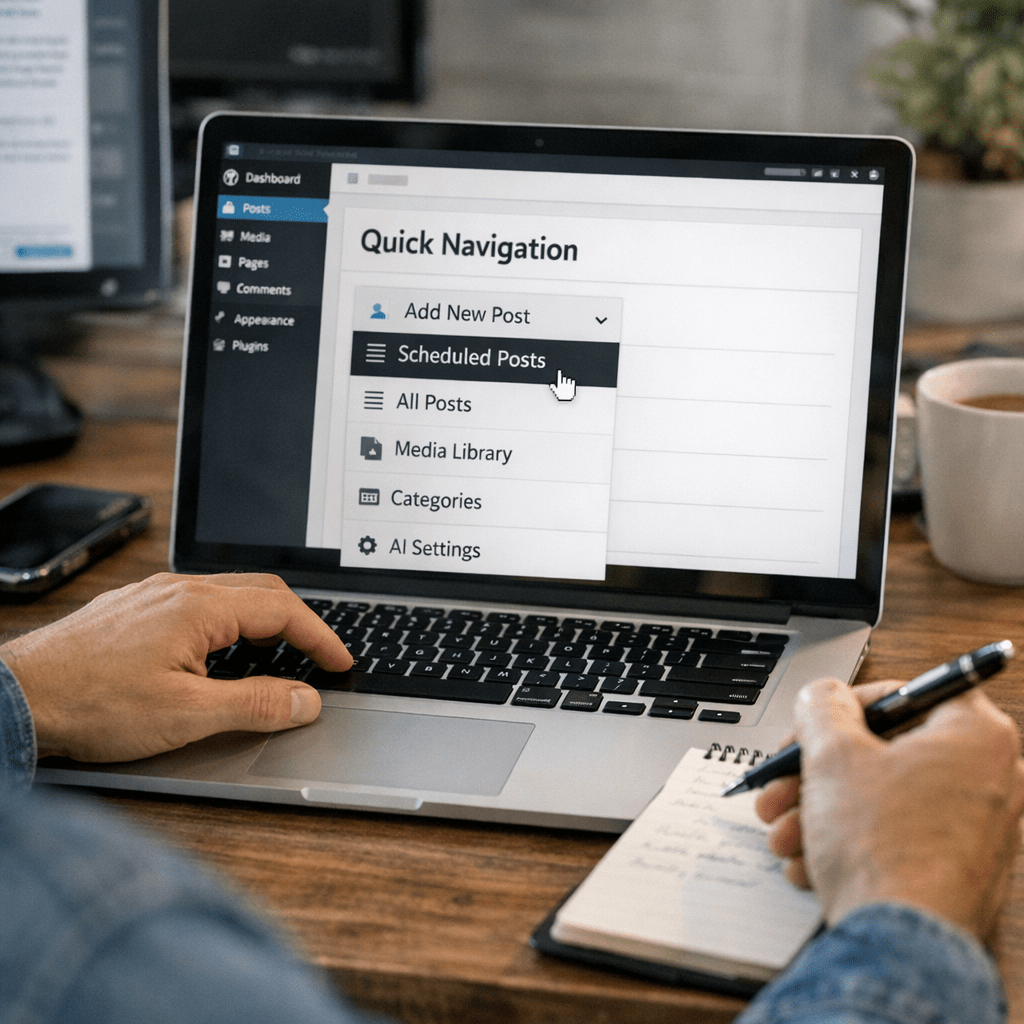
Quick Navigation
- Top Tools for Automating WordPress Posting
- How AI Scheduling Works Behind the Scenes
- Before/After Comparison: Manual vs Automated Workflow
- Step-by-Step Setup Guide
- FAQs About Blog Automation with AI
Top Tools for Automating WordPress Posting
Not all AI solutions are created equal when it comes to automating blog posting and scheduling for WordPress sites in 2026. Here are three standout options that deliver results without unnecessary fluff:
1. Content at Scale (🏆 Best Overall)
What It Does: Content at Scale is designed for bulk content creation and publication directly integrated with WordPress sites—it even creates SEO-friendly meta descriptions automatically.
Also worth reading: Top 10 AI Tools for Effortless Affiliate Blog
Key Features:
✅ Generates long-form articles (~2,500 words) tailored to specific search intents.
✅ Offers native integration with WordPress (no Zapier needed).
✅ Optimizes for keywords using GPT-based models tuned for SEO performance.
Real Results: In one case study from March 2026, Content at Scale helped a publisher reduce manual article prep time by 72%, generating over 30 posts/month across three niche blogs seamlessly.
Limitations: Its pricing starts at $500/month—a steep entry point for beginners not running monetized sites yet.
2. SurferSEO + Jasper Integration
What It Does: SurferSEO focuses on optimizing content for search visibility while Jasper handles text generation based on detailed prompts.
Key Features:
✅ Delivers keyword-specific optimization suggestions built into the writing process.
✅ Works well with Zapier workflows for auto-publishing drafts in WordPress.
⚠️ Requires more manual input compared to “all-in-one” solutions like Content at Scale.
Perfect For: Bloggers who already understand SEO but need help scaling their output efficiently without compromising quality.
3. Wordable.io
What It Does: While not technically an AI tool per se, Wordable.io speeds up exporting Google Docs drafts into perfectly formatted WordPress posts—including images and headers intact.
Key Features:
✅ Bulk uploads multiple drafts into WordPress simultaneously.
✅ Preserves rich text formatting (no more broken paragraphs or missing links).
❌ Doesn’t create new content; works as part of an existing workflow rather than a standalone solution.
If you’re exclusively focused on saving post-upload time without full-scale automation requirements, this is worth trying.
Related guide: 10 herramientas de inteligencia artificial
Feature Comparison Table
| Tool | ✅ Native WP Integration | ⚡ Bulk Uploads | 💰 Monthly Cost (USD) | 🏆 Best For |
|——————–|————————–|—————-|———————–|—————————|
| Content at Scale | ✅ | ✅ | $500+ | Fully automated workflows |
| SurferSEO + Jasper | ⚠️ Limited | ❌ | $120+ | Advanced SEO users |
| Wordable.io | ✅ | ✅ | $49 | Formatting efficiency |
How AI Scheduling Works Behind the Scenes
Automated scheduling is more than just setting timers; it’s about synchronizing multiple backend systems—your CMS (WordPress), your content queue (Google Sheets/Notion), and third-party APIs like Zapier or Make.com—to create seamless handoffs between tools.
Here’s how it typically works:
1. Draft Creation via GPT Models: You start by feeding topics into tools like Jasper or Writesonic that generate first drafts based on predefined outlines.
2. Formatting & Refinement Layers: Tools such as Grammarly or Hemingway refine readability scores before feeding final drafts into upload queues.
3. API Triggers & Schedule Syncing: Platforms like Zapier then act as middlemen connecting Google Sheets task lists directly back-end scheduler plugins tied inside WP dashboards automating posts precisely targeted times audience engagement peaks highest globally…
…