

Blog
How to Use AI for Automating Video Content Creation and Publishing: Practical Playbook with Real Examples
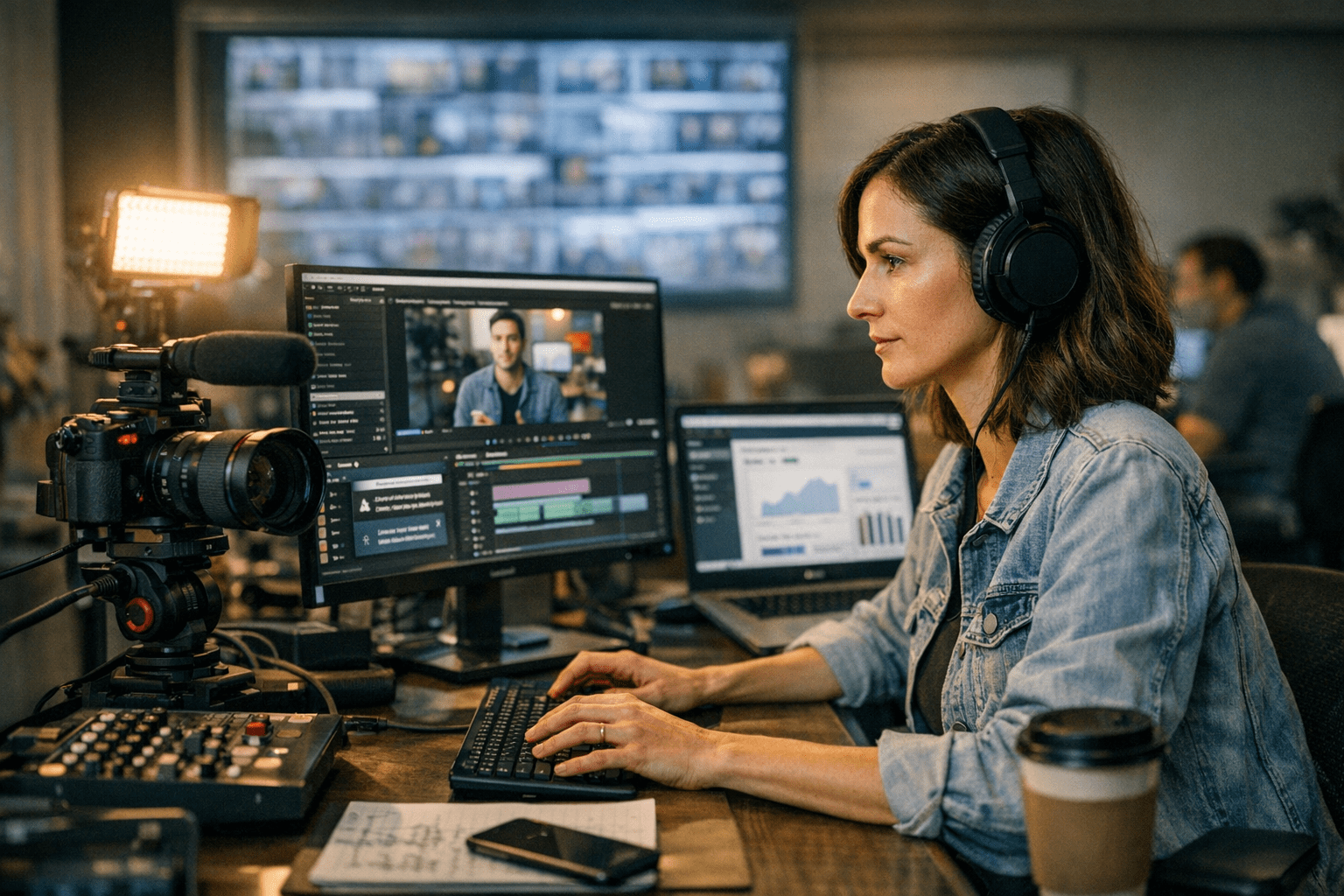
Picture this: It’s 2026, and a content manager at a mid-sized media company is tasked with producing 20 videos per week. Each video needs to hit specific SEO targets, align with brand messaging, and be distributed seamlessly across multiple platforms. Oh, and the budget hasn’t grown since 2023. This isn’t just a scenario—it’s reality for thousands of businesses today. The good news? AI has evolved far beyond simple text generation or static image creation. Now, it can automate nearly every step in the video production pipeline.
But here’s where it gets tricky: while AI tools can save time and resources, they’re not magic buttons you press to instantly churn out viral-worthy content. Success depends on the quality of your workflow, tool selection, and understanding of what AI can (and cannot) do well.
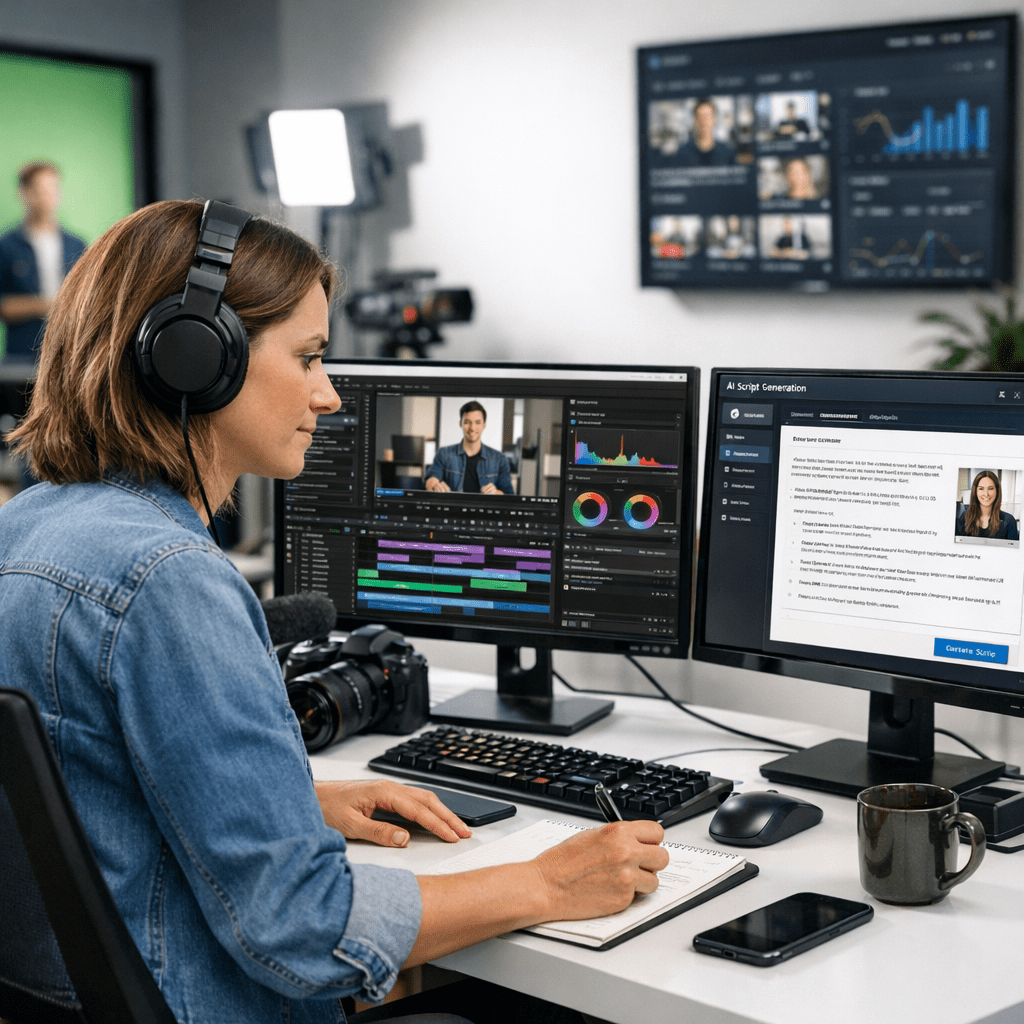
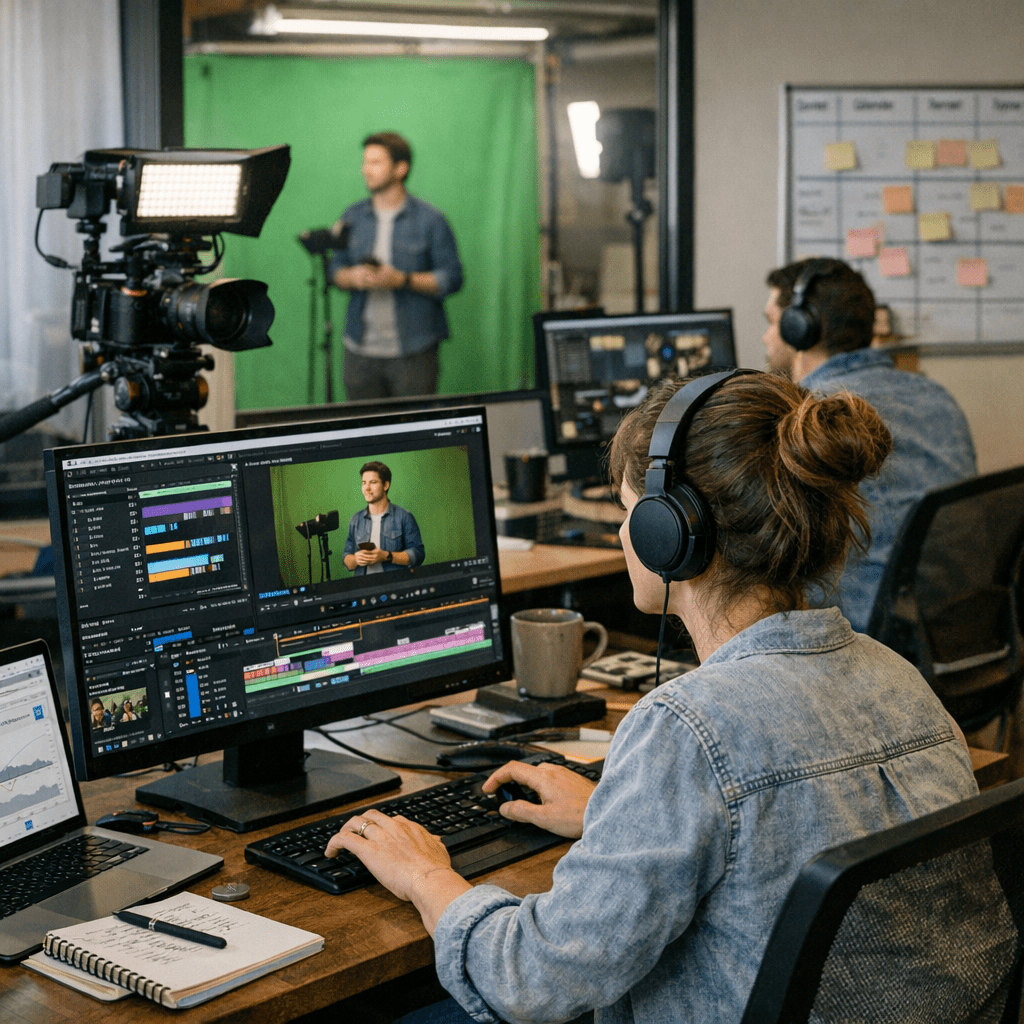
This guide dives into how to use AI effectively for automating video creation and publishing. We’ll cover specific tools, workflows that actually work in practice, critical tradeoffs, and what you need to avoid wasting time—or worse—damaging your brand.
—
Why Automate Video Content Creation Now?
The appetite for video content is insatiable. According to Cisco’s projections from late 2025, over 82% of all internet traffic now comes from streaming or downloaded videos—a jump from 78% in 2022. Platforms like TikTok, Instagram Reels, YouTube Shorts, and LinkedIn are doubling down on short-form videos as primary engagement drivers.
Yet creating high-quality video at scale remains expensive for most organizations. A typical professional-grade video costs $1,500–$5,000 when outsourced—and that doesn’t include ongoing tweaks or platform-specific optimization.
AI disrupts these constraints by automating repetitive tasks like scriptwriting, editing raw footage into shareable formats (landscape vs portrait), generating subtitles automatically in multiple languages, or even designing thumbnail images optimized for clickthrough rates.
At the same time—let’s be clear—AI hasn’t reached Hollywood-level creativity yet. What it does excel at is efficiency: speeding up processes that used to take hours or days into minutes.
—
Core Steps in AI-Powered Video Automation
To understand how this works in practice, let’s break down an automated workflow into five core stages:
10 Best AI SaaS Platforms for Automating Sales Funnel Optimization: Practical Pl
Step 1: Ideation – Generating Script Ideas
Several AI tools now specialize in ideation by analyzing trending topics within your niche. For example:
- ChatGPT-4 Pro (fine-tuned via OpenAI plugins) allows marketers to generate detailed outlines based on audience-specific keywords.
- BuzzSumo integrates topic research directly into its generative AI model for better targeting.
- Tools like ViralMaker even offer fully automated scripts optimized specifically for social media platforms.
Let’s say you’re running a fitness YouTube channel focused on strength training for beginners. Using ViralMaker’s “Video Idea Generator,” you input a few keywords like “home workouts” or “deadlift tutorials.” Within seconds it spits out ideas such as:
- “10 Deadlift Mistakes Beginners Make (And How To Fix Them)”
- “30-Minute Full Body Home Workout – No Equipment!”
From there? The tool suggests structured scripts complete with voiceover prompts and call-to-action placements.
Big takeaway: While these tools are invaluable for saving brainstorming time, don’t trust them blindly with tone or accuracy—always edit scripts manually before recording anything final.
—
Step 2: Automated Production – Turning Scripts Into Visuals
Here’s where things get interesting—and often misunderstood by newcomers to AI-powered content production.
Tools Leading The Charge:
1. Pictory.ai
- Converts long-form text (e.g., blog posts) into narrated videos using stock visuals.
- Strength: Great for educational explainer videos but struggles with personalization.
2. Runway Gen-3
- Capable of generating high-quality animations entirely from scratch using natural language prompts.
- Example use case: A SaaS brand creates an animated product demo without hiring an illustrator or animator.
3. Synthesia.io
- Specializes in creating presenter-style videos featuring hyper-realistic avatars.
- Example use case: Employee onboarding at scale across distributed teams worldwide.
4. ViralMaker Studio Autopilot Mode
10 herramientas de inteligencia artificial para crear campañas de marketing vira
- Focused heavily on multi-platform distribution (YouTube Shorts + TikTok + LinkedIn simultaneously).
- Includes pre-configured templates tailored toward increasing watch-time metrics.
Real-world example? A DTC skincare company we worked with generated over 50 product explainer reels using Synthesia avatars last quarter alone—for less than $10/video compared to $200+ when filmed traditionally!
—
Step 3: Editing & Polishing
Even the best generative models require fine-tuning post-production—this step separates amateurs relying solely on automation from polished professionals leveraging hybrid workflows.
Key tools include:
- Descript: For quick edits like removing filler words (“um”/“ah”), adjusting pacing dynamically via text transcription timelines.
- Adobe Premiere Pro w/ Firefly Integration: Firefly brings Adobe-native generative effects directly into Premiere—for example auto-generating custom intros/outros aligned w/ branding guidelines!
Pro tip? Always invest extra effort refining aspects machines struggle w/: emotional nuance delivery timing subtle design flourishes otherwise risking generic overproduced outputs killing organic engagement vibes altogether…
—
Step#4 Publishing Distribution Insights
Automated Scheduling Systems exist!
Related Links